
All The Ways You Can Listen To Heart
25 February 2021, 08:50 | Updated: 3 October 2023, 12:01
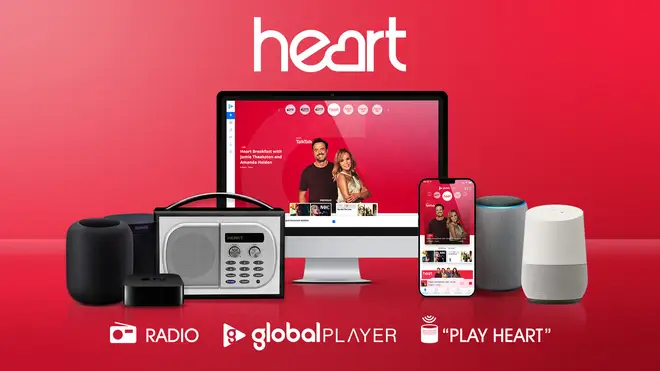


There are so many different ways to enjoy listening to Heart. From DAB to GlobalPlayer, here's how to tune in, wherever you are!
Here are all the ways you can listen to Heart
1. Online via Global Player's Website
2. Via the Global Player mobile app
3. On Smart Speakers
4. On DAB Digital and Radio
How to listen To Heart online
On the Heart website click the big red 'Listen' button at the top of every page right here at heart.co.uk to be taken to Global Player to hear the live stream. It's a free and easy online listening service and you can even listen back to the last 7 days of radio shows from your ultimate faves!
There’s also much more on Global Player including podcasts and playlists from across our sister stations including Capital, Capital XTRA, Capital Dance, Radio X, LBC, Smooth and Classic FM.
How To Listen To Heart via Global Player Mobile App
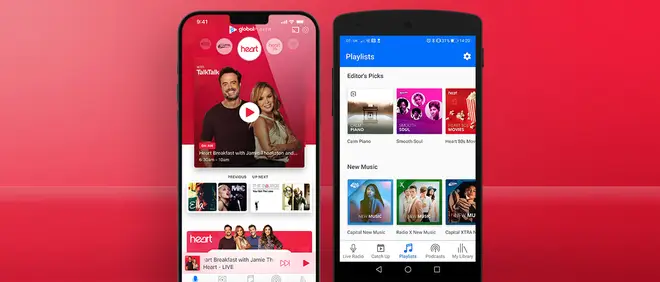
Download and install our free Global Player, swipe to Heart and get listening on the go! Whether you want to access live radio, podcasts, expertly-curated playlists or just catch up on your favourite shows - it's all in one place, wherever you are.
Want to learn more about Global Player and the Global family of brands including Heart 80s, Heart 70s. Heart 90s, Heart Dance, Capital XTRA, Capital Dance, Heart, Radio X, LBC, Smooth and Classic FM? Check it out here.
Download Global Player from the App Store (Android)
Download Global Player from the Google Play (Apple)
How To Listen To Heart On Smart Speakers
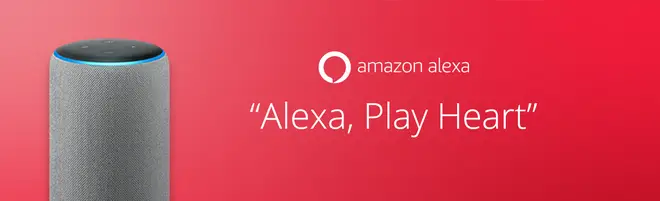
Just say 'Alexa, Play Heart’ to listen live via the Heart Alexa skill. Use the Alexa app to grant location permissions, and it'll automatically find your nearest Heart station.
Want to catchup on the last 7 days of radio for free? You can listen back to your favourite presenters using the new Global Player skill! Just ask for a show and a date, then sit back & relax!
Can’t get enough of your showbiz fix? Now try saying “Alexa, Play the News” and use your voice to select Heart as your news provider.
This mens you'll be able to listen to daily showbiz updates as well as longer celebrity stories. All you then need to do after that is simply say “Play the News” and you can enjoy all of the latest updates from the celeb and TV world!
Find out more about Global Player on Alexa.
How To Listen To Heart On Google Home & Google Assistant
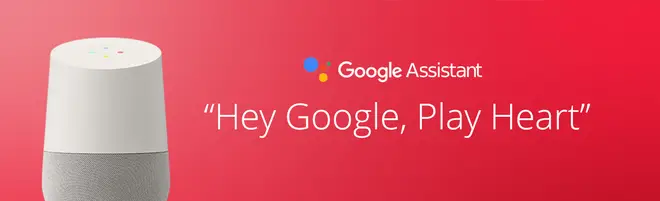
Just say ''Ok Google, Play Heart”.
How To Listen To Heart On Apple HomePod & Siri
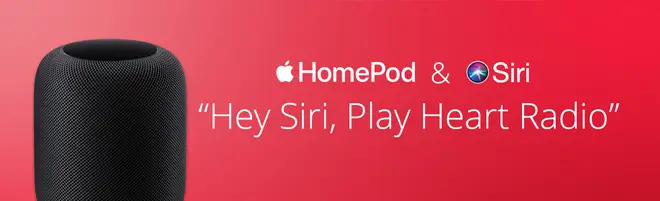
Just say 'Hey Siri, Play Heart.’
You can also ask Siri on your iPhone or iPad to play Heart via the Global Player App or Apple Music.
How To Listen To Heart On Sonos

You can now listen to Heart on your Sonos smart speaker. Add 'Global Player' as a music source in your Sonos app, and enjoy live radio from your favourite Heart presenters, as well as expertly curated music playlists to suit every mood.
Or if you’d simply like to listen live, search for the station within the new Sonos Radio section in the Sonos app.
Listening to Heart on DAB radio
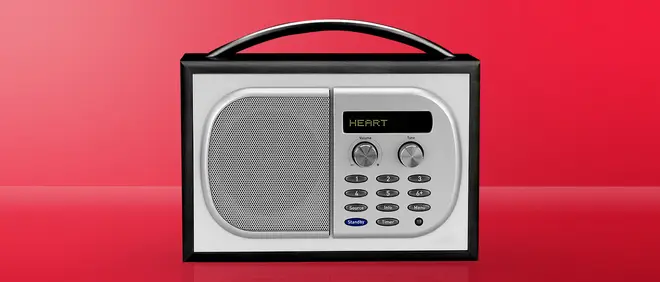
There are many great reasons why you should tune in to Heart with a Digital Radio, here are just a few...
Digital radios mean interference free listening to live radio stations. There's no hiss, crackle, or pop, no fading, no overlap.
Digital Radio displays the stations by name, so there's no need to remember frequency numbers. Giving you the confidence to explore the airwaves and change radio stations at the touch of a button.
Digital Radio can double the number of radio stations you can get on FM.
Please take a moment to find out if you can listen to Heart on digital radio in your area.
Listening on FM radio
Heart has always been the place to Turn Up The Feel Good! Find the right FM frequency and make sure you catch your local breakfast and drive time shows in your area.
London
Greater London - 106.2
Essex
Basildon & south Essex - 96.3
Southend - 97.5
Chelmsford & mid Essex - 102.6
Colchester - 96.1
Harlow - 101.7
East Anglia
Norfolk & North Suffolk - 102.4
Bury St Edmunds - 96.4
Ipswich - 97.1
Home Counties
Milton Keynes - 103.3
Luton & Dunstable - 97.6
Bedford - 96.9
Northampton - 96.6
Hertfordshire - 96.6
Stevenage - 106.7 and 106.9
Cambridgeshire
Peterborough - 102.7
Cambridge - 103.0
Newmarket & Haverhill - 97.4
Thames Valley
Berkshire & North Hampshire - 102.9
Reading - 97.0
Henley on Thames - 103.4
Oxford - 102.6
Banbury - 97.4
South Coast
Dorset - 102.3
Southampton & Winchester - 96.7
Portsmouth & Isle of Wight - 97.5
Kent
Ashford - 96.1
Canterbury & East Kent - 102.8
Thanet - 95.9
Dover - 97.0
Maidstone & Medway - 103.1
Sussex and Surrey
Eastbourne & East Sussex - 102.4
Brighton - 103.5
Hastings - 102.0
Newhaven - 96.9
Reigate & Crawley - 102.7
Horsham - 97.5
Midlands
West Midlands - 100.7
North East
Teesside - 100.7
Sunderland - 101.2
Fenham - 96.2
Hexham - 101.2
Tyne & Wear - 101.8
West Country
Bath - 103.0
Bristol - 96.3
Somerset - 102.6
Taunton - 96.5
Weston Super Mare - 103.0
Yeovil - 97.1
Swindon - 97.2
Wiltshire - 102.2
Gloucester & Cheltenham - 102.4
Stroud - 103.0
Scotland
Edinburgh - 101.1
Glasgow - 100.3
Rosneath - 101.1
Penicuik - 103.3
Vale of Leven - 100.0
South West
Barnstaple - 96.2
Ilfracombe - 97.3
Exeter - 97.0
East Devon - 103.0
Plymouth - 97.0 & 96.6
Totnes - 100.5
Soar - 101.2
Ivybridge - 101.9
Dartmouth - 100.8
Torbay - 96.4
East Cornwall - 105.1
West Cornwall - 107.0
Yorkshire
Sheffield - 107.7
South West Yorkshire - 106.2
Bradford - 107.6
North Wales
Wrexham - 88.0
Llandudno - 105.7
Welshpool - 102.8
Newtown - 106.0
Deeside - 106.9
Aberystwyth - 107.7
Bangor - 107.2
Prestatyn 107.3
North West England
North West - 105.4
South Wales
Cardiff - 105.4
Carmarthenshire - 105.2
Carmarthen - 106.0
Newport - 105.9
Swansea - 106.0
Aberdare - 105.9
Ebbw Vale - 106.1
Abergavenny - 105.2
Bargoed - 107.3
Eglwysilan - 102.3
Fishguard - 106.2
Pembrokeshire - 105.7
North Lancashire and Cumbria
North Lancashire, Furness Peninsula - 96.9
Windermere, Ambleside, Grasmere - 102.3
Kendal - 103.2
For more information about Heart broadcast frequencies and FM radio coverage, visit www.ofcom.org .uk
With the new Heart app, powered by Global Player, it's even easier to turn up the feel good, wherever you are.